Break-the-glass: Can you?
Establishing break-the-glass accounts is a well-established practice and recommendation. But do you make sure it actually is usable if the worst would happen?
TL;DR: My automated BTG solution
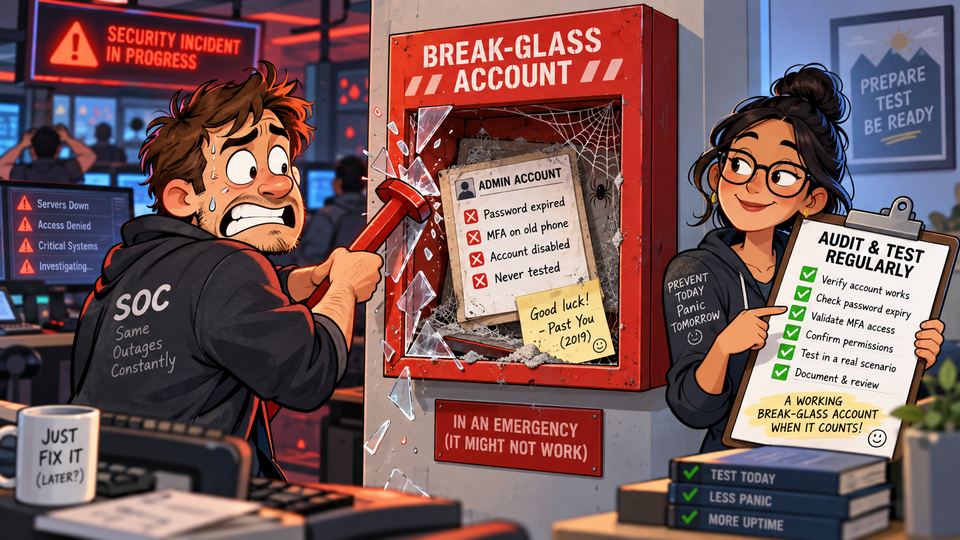
One or two emergency access accounts; usually called break-glass accounts.
They sit quietly in the tenant waiting for the day when everything else has gone horribly wrong.
Conditional Access locked everyone out?
Identity provider having a bad day?
PIM unavailable?
Someone accidentally deployed the Conditional Access policy to end all Conditional Access policies?
No problem.
We have the break-glass account.
Right?
Well... when did you last check it?
The account you hope you'll never need
Break-glass accounts are a bit strange.
They are some of the most powerful identities in the tenant, but if everything is working normally, nobody should be using them.
So we create them, carefully configure them according to our emergency access procedure, put the credentials somewhere safe and then, hopefully, forget about them.
And that is where the problem starts.
Because the rest of the tenant does not stop changing just because the break-glass account does.
- New Conditional Access policies are deployed.
- Authentication methods change.
- Groups get new members.
- Role assignments are modified.
- Someone cleans up an account they don't recognise.
- Security Defaults gets enabled during testing.
- A FIDO2 key gets replaced.
Or somebody simply decides that having a permanent Global Administrator sounds scary and makes the account PIM eligible instead.
Every individual change might make perfect sense at the time.
Until the day comes when you actually need the emergency account.
That is a particularly bad time to discover that your parachute has been through several undocumented configuration changes since you last packed it.
"But we tested it when we created it"
That is good.
It is just not quite the same thing as knowing it works today.
For an emergency access account to do its job, quite a few assumptions have to remain true.
For example:
- The account must still be enabled.
- It must still have the required Global Administrator access.
- That access should not depend on PIM being available.
- Conditional Access policies must not accidentally lock it out.
- The authentication method must still work.
- The account should remain cloud-only and independent of infrastructure that may itself be unavailable.
- Nobody should have added an unexpected authentication method.
- Nobody should be quietly using the account.
- If a group is used to identify emergency accounts, nobody should be able to casually add themselves to it.
And perhaps most importantly:
Your monitoring must still know which accounts you intended to protect.
An audit that happily reports everything as green because it found zero break-glass accounts is possibly worse than no audit at all.
Configuration drift is boring until it isn't
This was the problem I wanted to solve with my Break-the-glass account compliance monitor.
Instead of relying entirely on someone remembering to review the configuration every few months, the solution periodically checks whether the assumptions around the emergency accounts are still true.
The idea is fairly simple:
If an emergency account is important enough to bypass most of your normal security controls, it is important enough to continuously verify that its configuration has not changed.
The solution runs from Azure Automation using a system-assigned managed identity and reads the relevant configuration from Microsoft Graph.
It does not change anything in Entra ID.
So what does it actually check?
I grouped the checks into a few different areas (with the help of AI, I must admit).
Conditional Access
Probably the most obvious one.
For every configured break-glass account, the audit looks at the Conditional Access policies in the tenant and checks whether the account is explicitly excluded.
This includes report-only policies.
That might sound slightly paranoid, but a report-only policy is also only one click away from becoming an enabled policy.
And during an incident, I would rather discover that problem before somebody clicks the button.
The audit also deliberately does not consider exclusion through the Global Administrator role sufficient.
The emergency account itself, or its dedicated group, should be excluded.
The account itself
Next comes the boring account hygiene that suddenly becomes very interesting during an outage.
- Is the account enabled?
- Is it cloud-only?
- Is it a member account rather than a guest?
- Does it use the tenant's
onmicrosoft.comdomain so that authentication does not depend on custom-domain infrastructure? - Does the password expire?
- Does it have a FIDO2 key?
- Does it have more than one FIDO2 key?
- Have other authentication methods somehow appeared on the account?
- Does it own applications or groups that really should belong to somebody else?
None of these checks are particularly exotic.
The value is simply making sure they are still true tomorrow.
And next month.
And six months from now.
Is it actually still Global Administrator?
Emergency access is not a particularly useful concept if accessing the emergency account only gets you as far as:
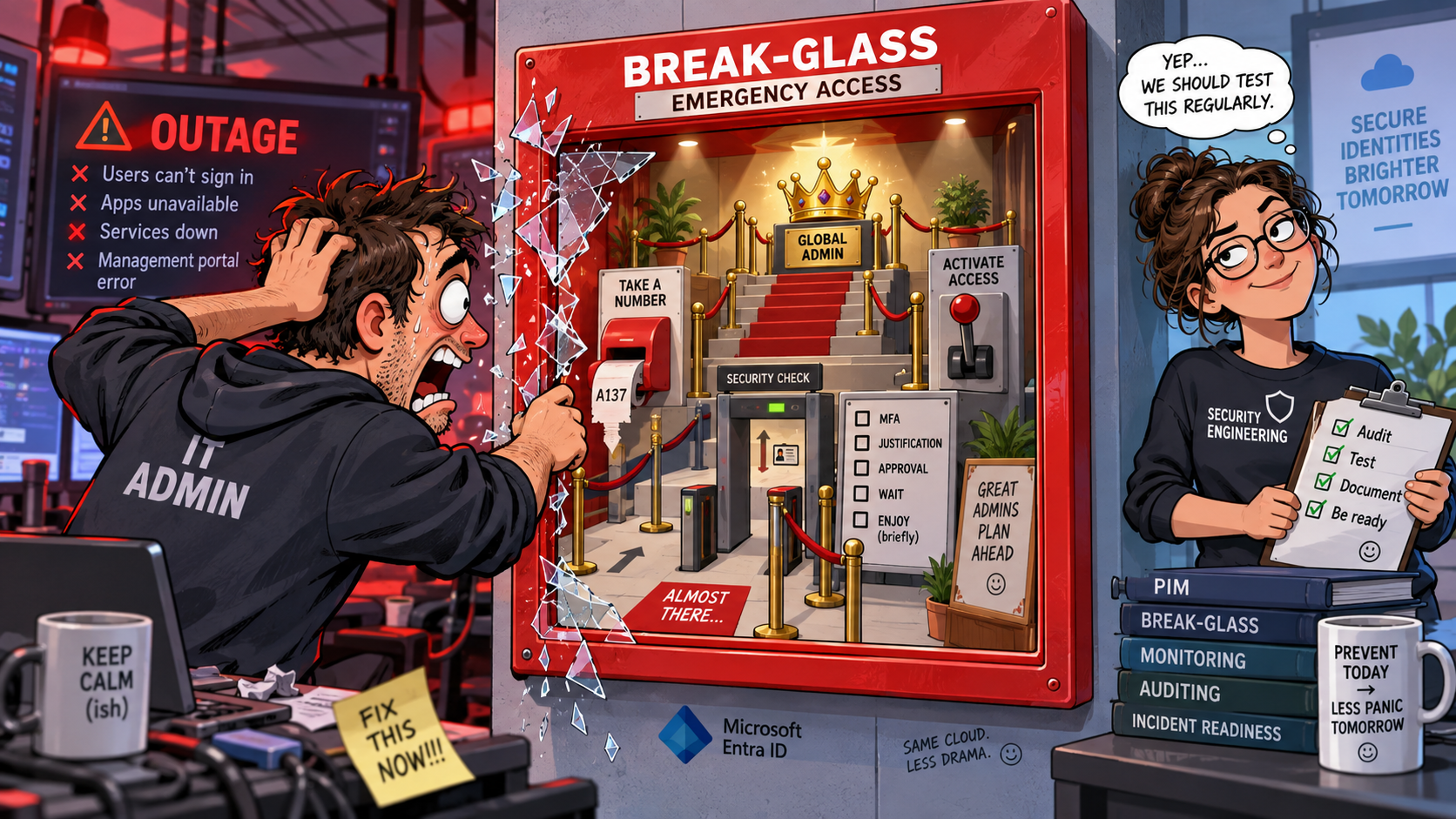
The solution therefore checks that the account has a permanent, active, tenant-wide Global Administrator assignment.
It also checks that the account has not become PIM eligible.
PIM is fantastic for normal privileged access.
But a break-glass account exists specifically for the situations where your normal mechanisms may not be working.
Having your emergency access procedure depend on the system you are trying to recover is... inconvenient.
Groups deserve some suspicion too
A common design is to put the emergency accounts in a dedicated group and exclude that group from Conditional Access.
That works.
But it also creates something quite interesting from an attacker's perspective:
Groups can more easily be identified depending on their naming, but even an obscure name might be revealing.
Once a threat actor knows the group, it also knows all the accounts that hold the keys to the kingdom. And adding a member to that group will automatically grant the users more freedom than intended.
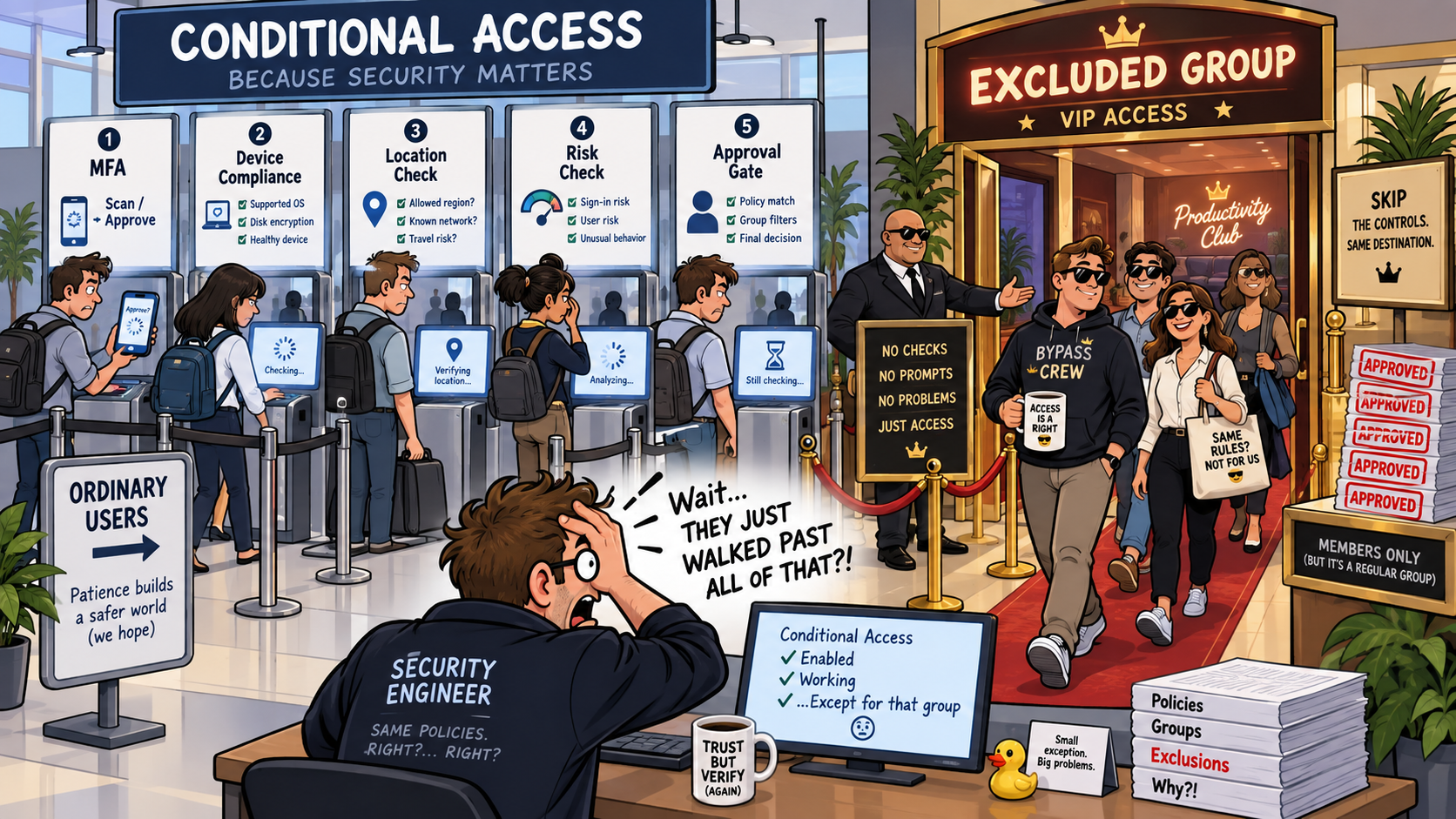
So the audit checks the group as well.
- Is it role-assignable?
- Is membership static?
- Is it cloud-only?
- Does it contain only users?
Could someone with a lower level of privilege modify the membership?
The break-glass accounts themselves can be perfectly configured while the group around them quietly becomes the easier path around your controls.
Has somebody used it?
A break-glass account should be boring.
Extremely boring.
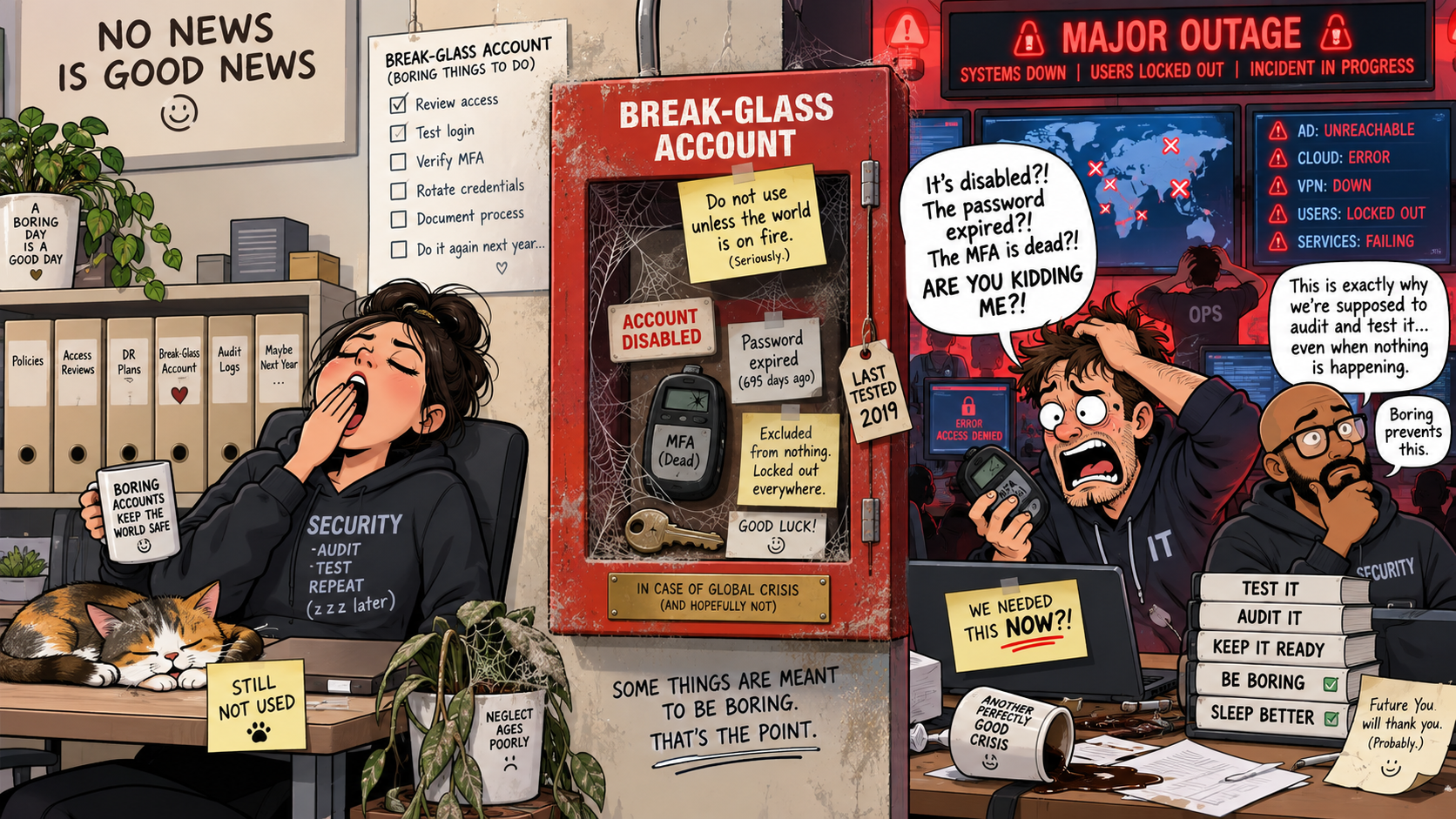
Ideally the sign-in log for it should contain absolutely nothing outside scheduled testing.
So, any audit should also look into if those boring accounts have been used.
Because if someone signs in using your break-glass account at 02:37 on a Sunday morning, that is probably something worth knowing about.
And who watches the watcher?
There is another failure mode that is easy to overlook.
The audit itself stops working.
Especially if it is manual; we are all busy and sometimes we forget.
Also, Graph permissions change.
The managed identity cannot authenticate.
The configured group gets deleted.
The runbook executes but resolves zero accounts.
And your monitoring quietly stops monitoring.
This is of course something we want to avoid.
Log it, alert on it, forget about it
The results are written to a custom Log Analytics table called BTGCompliance_CL.
That means you can query the state over time, build dashboards around it or bring it into an existing Sentinel workspace and create detections which raises alerts.
More importantly, you don't have to remember to look.
The deployment creates alerts for compliance failures and Automation job failures, and it can separately alert when one of the emergency accounts signs in.
So instead of having another checklist saying:
Review break-glass accounts quarterly
you have something continuously checking whether the technical assumptions behind that checklist are still true.
This does not replace testing your emergency procedure
There is an important distinction here.
The audit checks what can reasonably be verified through APIs.
It cannot tell whether the FIDO2 key stored in the safe still physically exists.
It cannot tell whether the person expected to retrieve it actually knows where the safe is.
It cannot prove that the spare key stored at another location still works.
And it deliberately does not pretend that checking Graph for an authentication-method object is the same thing as performing a real authentication.
You should still periodically perform a proper test sign-in.
In fact, I would treat the two controls as complementary:
Continuous audit:
"Has anything changed that could break our emergency access?"
Scheduled test:
"Can we actually perform the emergency access procedure from beginning to end?"
You want both.
The best time to test disaster recovery is before the disaster
Break-glass accounts are easy to treat as a configuration task.
- Create two accounts.
- Give them Global Administrator.
- Exclude them from Conditional Access.
- Put the credentials somewhere safe.
Done.
But emergency access is really an operational capability.
And capabilities degrade.
The interesting question isn't:
Did we configure our break-glass accounts correctly?
It is:
Are they still correctly configured right now?
Because the middle of an identity outage is a remarkably bad time to discover that the answer is no.
The project is available here:
github.com/frodehus/btg-compliance-audit
As always, review the code before putting it anywhere near a production tenant.
Especially code whose job is to tell you whether you can still get into that tenant when everything else is on fire.