OFFPAD+ - A review
A simple review of the OFFPAD+ device which has helped me ditch the QR-code fatigue and just make phishing-resistant MFA easier and more intuitive to use daily.

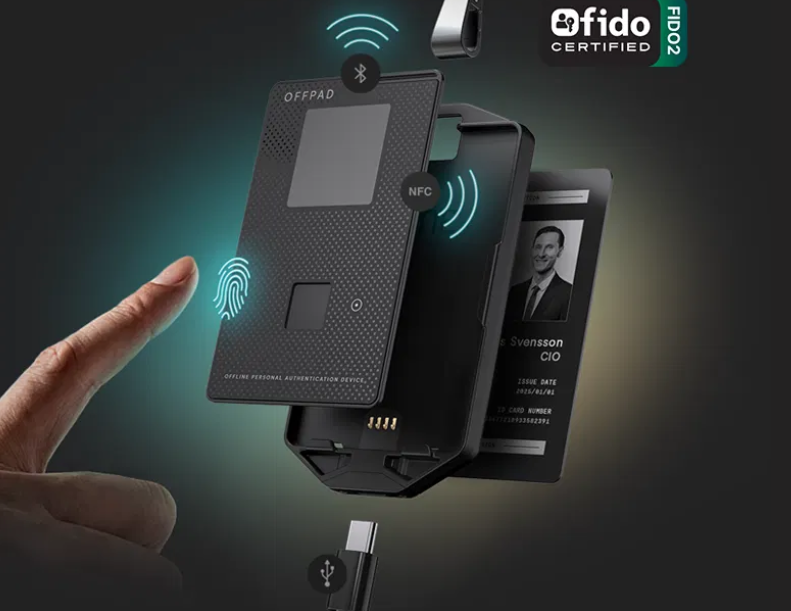
I recently saw a post LinkedIn where a cyber security professional mentioned how pleased he was with a Norwegian(!) security product called OFFPAD+ by PoneBiometrics which is FIDO2-certified. And since I love gadgets, tech and cyber security my fancy got tickled.
If you want to skip some basics how phishing-resistant MFA works to where I talk specifically about this product, you can jump ahead - no offence taken!
I use phishing-resistant MFA extensively both at work and home - for the most part it is either through integrated device login such as Windows Hello, but in many cases where I use privileged accounts I've been using an app such as Microsoft Authenticator and its passkey support.
While such apps works wondrously, they have a minor inconvenience in some cross-device authentication scenarios you will need to scan a QR-code when you need to authenticate.
Cross-device authentication
When you scan the QR-code, the mobile device and the requesting device will establish a short-lived connection, usually using Bluetooth Low Energy, to verify close proximity. This does not establish a permanent pairing, but helps prevent remote or unsolicited authentication attempts that could come from phishing attacks.
Once proximity is verified, the mobile device joins the authentication flow using the FIDO2/WebAuthn standard. This uses a public/private key pair where the private key never leaves the device.
Because the credential is bound to the domain you are trying to log on to, phishing attempts using look-alike or fake domains will fail as the keys do not exist for those domains.
Thus making it phishing resistant.
Adding this proximity check adds an additional layer of security to assure the authentication process that it is you who are near the device that is requesting authentication.
Security keys
I also use hardware security keys such as YubiKeys and they skip the need for BLE connections because you actually do physically insert the key into a USB port or tap using NFC - so the proximity verification is in place there as well.
And for all intents and purposes, that is the only difference between these keys and a mobile device app passkey.
For me, I do tend to worry about forgetting to unplug the key or just losing it because its so small.
The OFFPAD+
I had no previous knowledge of PoneBiometrics, nor is this post sponsored in any way - in fact they actually reached out to me to make sure I wanted to buy this as a private consumer as it is not the cheapest of MFA-devices and they cater to the business-marked.
The name OFFPAD is simply and concisely: Offline Personal Authentication Device.
Ordering process was quick, once I indeed confirmed that I wanted to buy this out of my own pocket and not my employer's. The package was delivered a day later - which I always appreciate.
The design
The enterprise-focus reflects in the form factor of the OFFPAD+ as it is shaped like a credit card or, actually, a work access card which fits in a lanyard card holder like in the picture below.
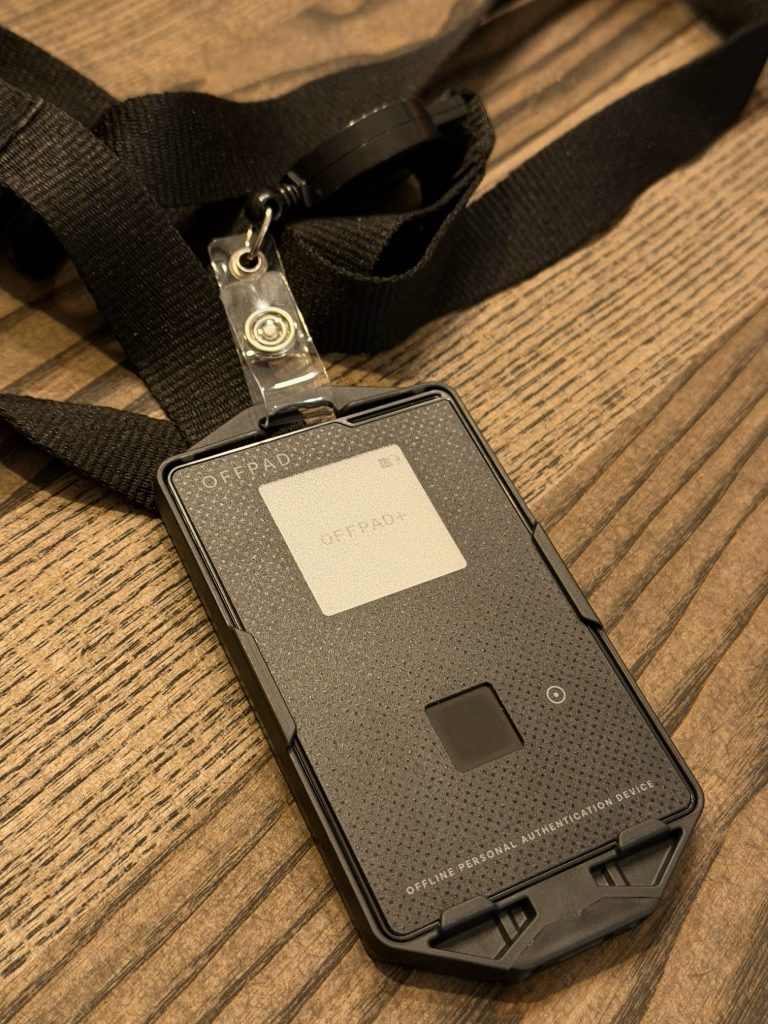
The OFFPAD+ is keeping it quite simple with a e-ink display, a power button and a fingerprint reader.
The card holder - which is included in the OFFPAD+ package - actually doubles as a charging case with a USB-C connector. Very handy.
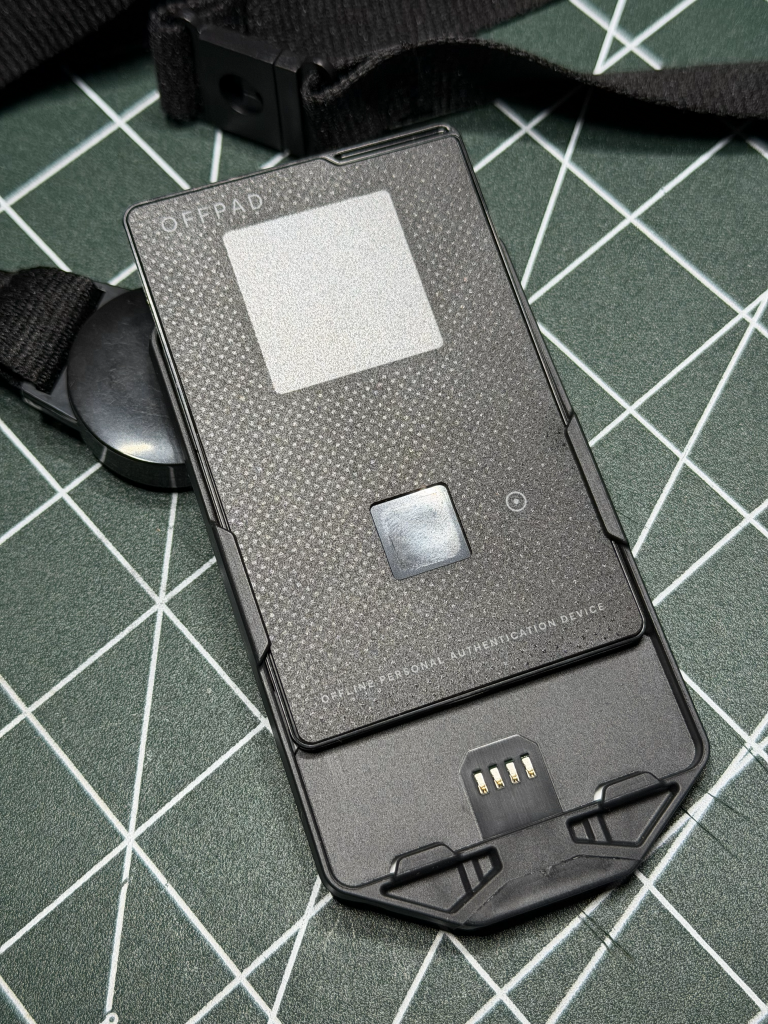
You can also charge the card wirelessly with a Qi-charger.
The whole thing does not really feel any heavier than my normal work lanyard - also, the back of the card holder there is also room for your work access card so you have everything with you at all times.
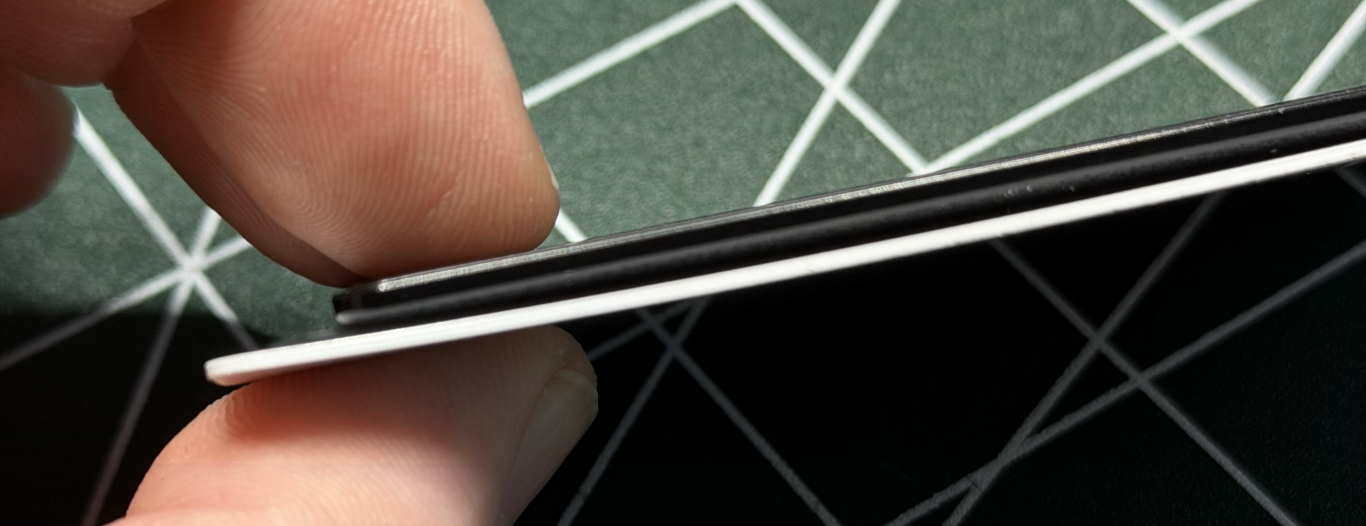
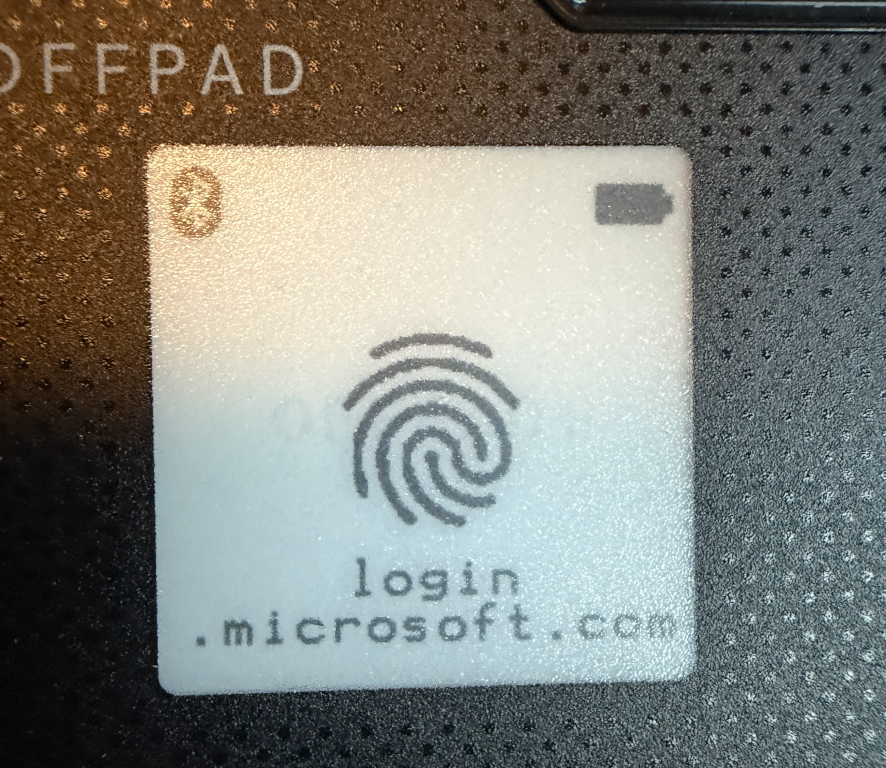
The OFFPAD+ e-ink display shows you current battery status and various icons for operation. It will also show you which domain is trying to authenticate for quick reference.
The pre-enrollment
PoneBiometrics provides support for organisations to perform pre-enrollment so that OFFPADs can be pre-loaded with credentials before giving them to their users.
Unfortunately, I haven't been able to test this feature because it requires a NFC reader to do the pre-enrollment which I do not currently have.
One of the pains I've seen in projects where an organisation rolls out phishing-resistant MFA is that unless users register their security keys or mobile device app keys before the organisation turns on the policy to enforce phishing-resistant MFA - they cannot log on to do so.
Instead, in the case of Entra ID, you have to configure a MFA policy that allows Temporary Access Pass as authentication method to allow users to enroll for phishing-resistant MFA.
This introduces another problem: When using TAP, you bypass all security mechanisms and log straight in - how do you ensure that the infuriated user calling the service desk with an important meeting coming up and cannot log on that they are in fact who they say they are before you issue the TAP?
Pre-enrollment sounds like a great way to handle that and I'd love to try it out.
The setup
Setting up the OFFPAD+ is quite easy and the provided online guide helps you with every step on the way.
The OFFPAD+ needs to be paired to your device via Bluetooth LE for it to work wirelessly - this is a permanent pairing as opposed to the short-lived connection used by the QR-code approach.
This enables you to skip the use of a QR-code because your device already knows the OFFPAD+ and connects directly.
It is also possible to set up and use the device using a USB connection (required if you are a Mac-user) - to do this, you need to have the OFFPAD+ in its charging case.
Once the OFFPAD+ is connected, you are guided through setting up your PIN code, your first fingerprint and how to onboard account credentials.
It is all very straight-forward and I won't go into massive detail here.
Thumbs up for the on-boarding process.
The device manager
The OFFPAD also comes with a device manager application.
Normally, this is not needed as you can manage things like setting PIN code etc from the OS you use, but it has some nifty bits that I just find very useful.
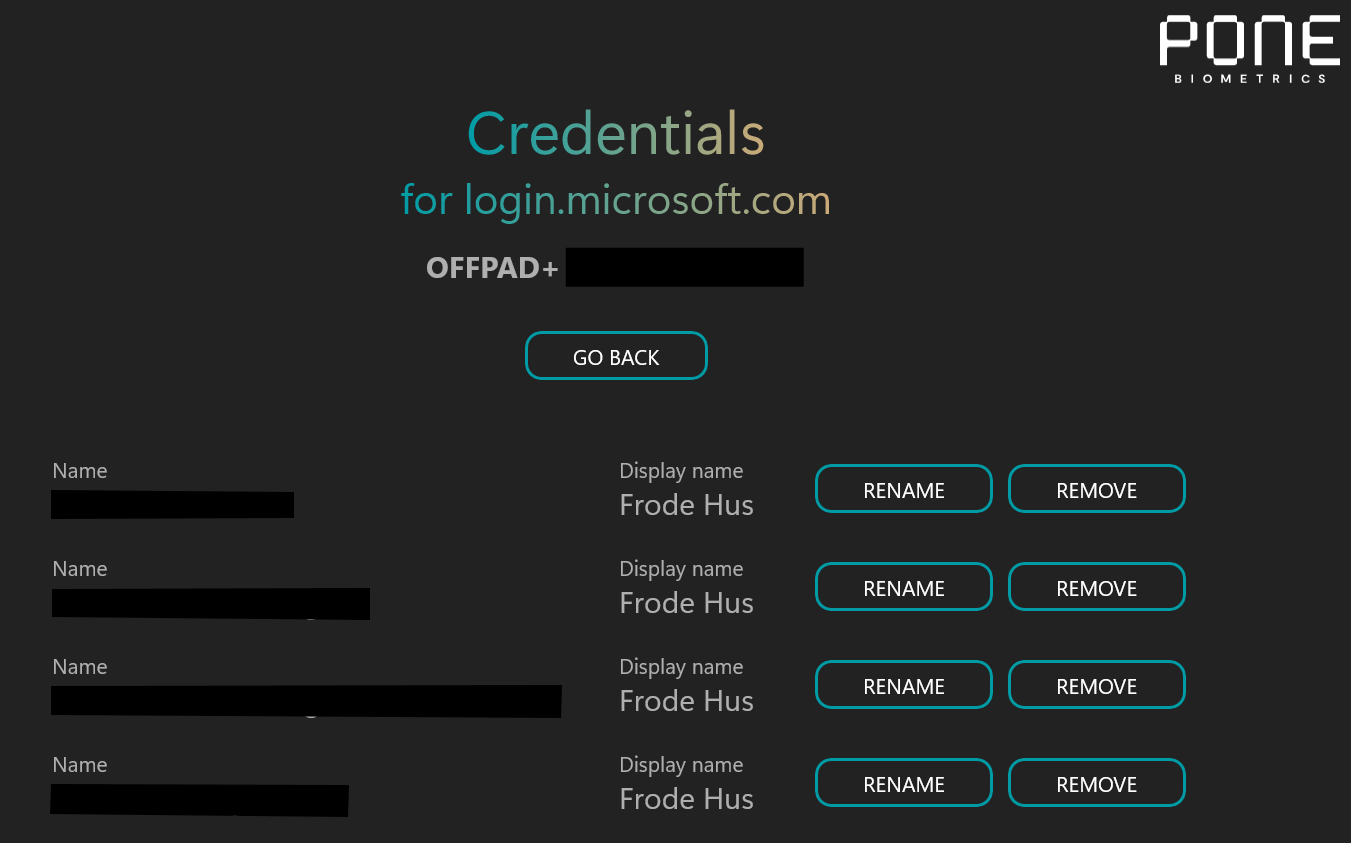
As the image above shows, you can see exactly which credentials are stored on the OFFPAD for each domain and allow you to do basic management.
It also allows you to manage fingerprints, PIN code and the usual bits.
The application is available on Windows and Mac.
The usage
Everything wireless always gets a "what about the battery life?" and the OFFPAD+ states 3 weeks between charges which I haven't tested. But with its e-ink display, BLE connectivity and aggressive sleep mode, I don't doubt that.
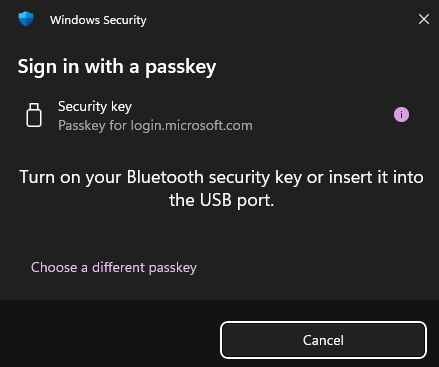
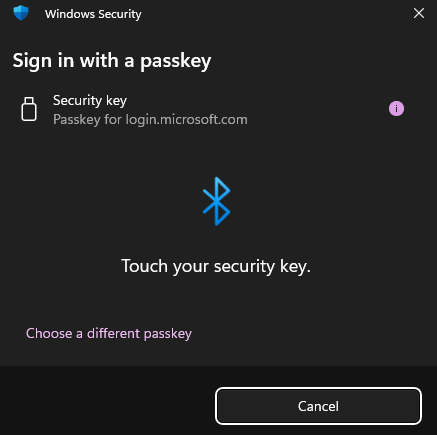
Using the OFFPAD+ is no different than any other security key - you will get the standard popup asking for a security key and then confirm on the OFFPAD+.
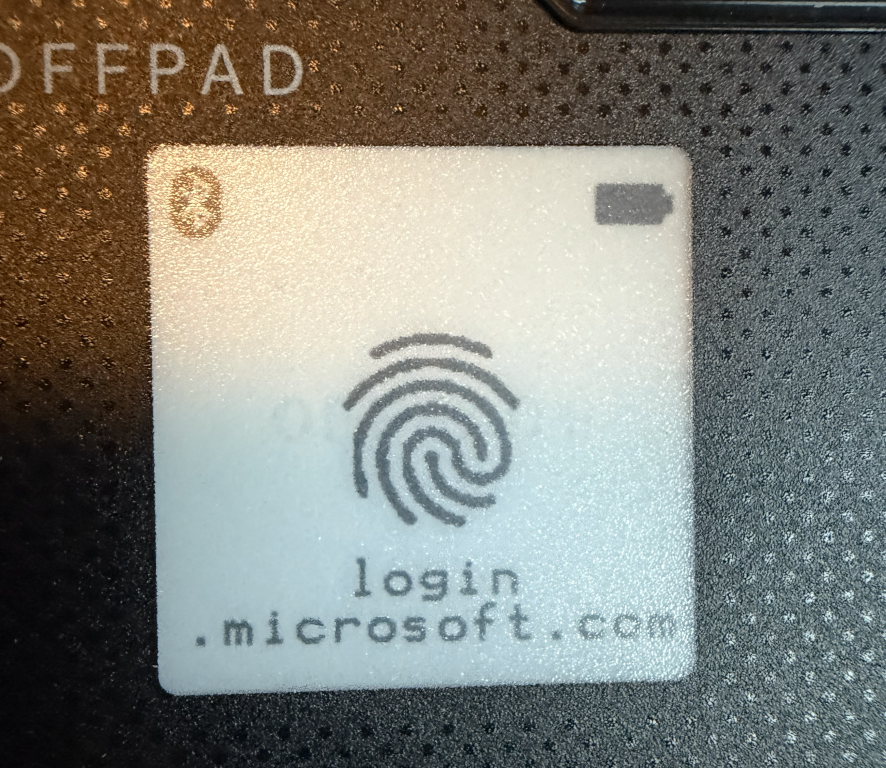
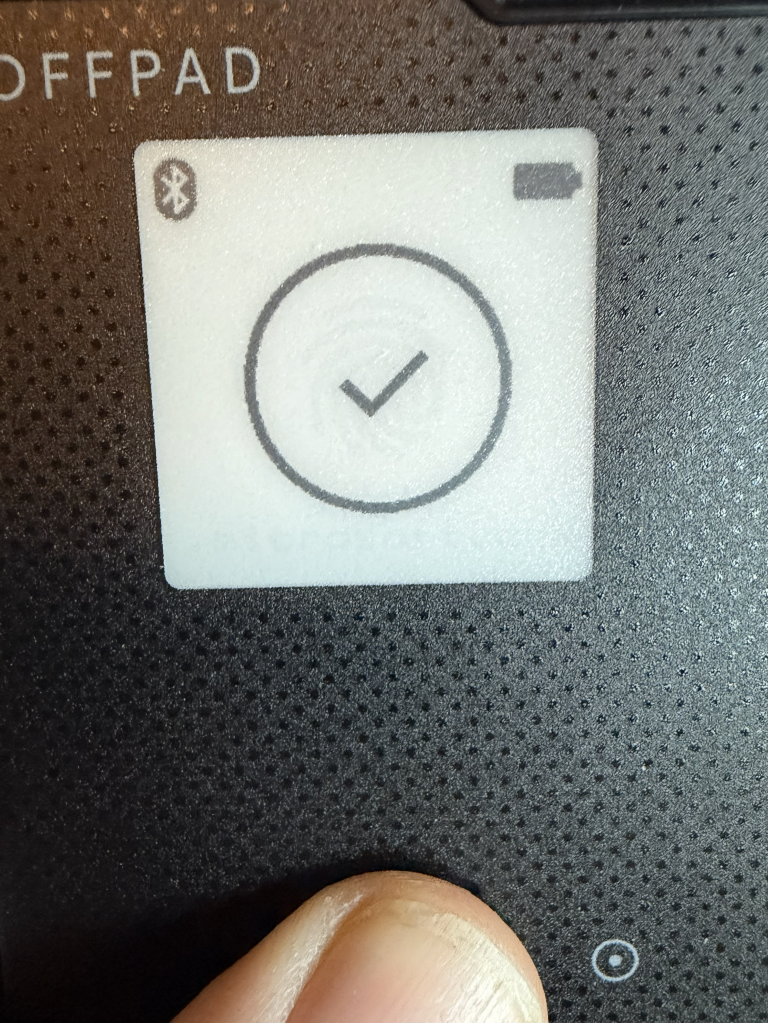
Using a mobile device
When authenticating using OFFPAD+ on a mobile device such as iPhone or Android, NFC is required.
To do this, the OFFPAD+ has to be turned off and when your mobile device asks for a security key, you place the OFFPAD+ at the back of your phone which will then recognize it and ask for your PIN code instead of fingerprint.
The verdict
I started out talking about how the QR-code process works because that's how I normally use phishing-resistant MFA in my day-to-day work and it is a bit annoying because it shows up quite often since I use multiple accounts across different clients and domains.
The OFFPAD+ safely tucked away in the lanyard together with my access card just keeps it readily available and is a fingerprint away from a successful login.
There is a slight delay due to the Bluetooth connection having to be established when the device is turned on, but it is quicker than the QR-code process by a mile.
It is also a nice way to keep work and personal accounts separate.
Authenticator apps on the phone will have a mix of both because few of us carry two phones and the OFFPAD+ encourages a work separation with its design format and lanyard; who carries a access card lanyard when not working?
I am very excited about the pre-enrollment functionality, and while I haven't been able to test it, it makes a lot of sense to me.
Of course, it is hard to recommend this device to friends and family due to the cost - at time of writing it is €155 excl. VAT vs the free Authenticator apps.
But this is a very enterprise-oriented device with the features to boot so the target market is not the home consumer anyway.
I would recommend this product especially for consultants who jump accounts a lot just to cut down on irritation, but of course anyone who daily works with high privilege accounts.
As an added bonus, for me, it is a Norwegian product 😁